
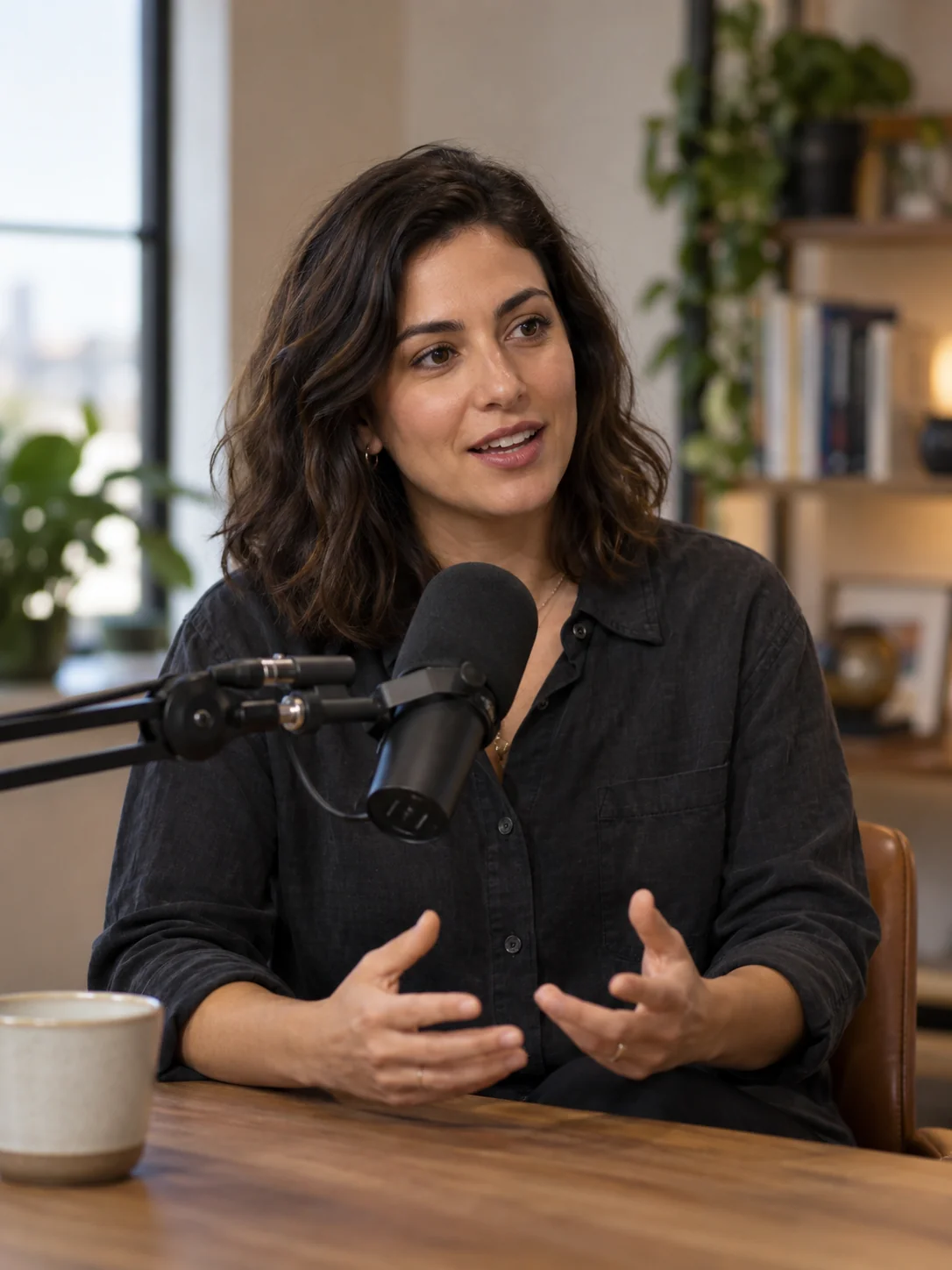
 9:16Caption-ready
Opening hook0:12 · 0:18
Create More, Edit Less.
Create captioned videos, transcribe your content, and repurpose longer recordings into short-form clips with AI — all in one workspace.
No credit card required.

ONE RECORDING. EVERY PLATFORM.
Sound into story
Turn spoken ideas into styled, ready-to-share captions.
Auto Captions
Generate captions automatically, then refine every word, timestamp, and style before you export.
Illustrative caption previewChoose a style or replay to see word-by-word timing. No audio plays.
Auto Clips
Surface highlight candidates from long conversations — sized for vertical feeds and ready for captions.
Transcription
A timestamped transcript you can correct, search, and export — the same source that powers captions and clips.
Workflow
Add your recording.
Generate captions and identify potential clips.
Edit words, timing, styles, and selections.
Publish in the format you need.
Repurpose
Illustrative outputs from a typical long-form upload — not a guarantee of clip count.
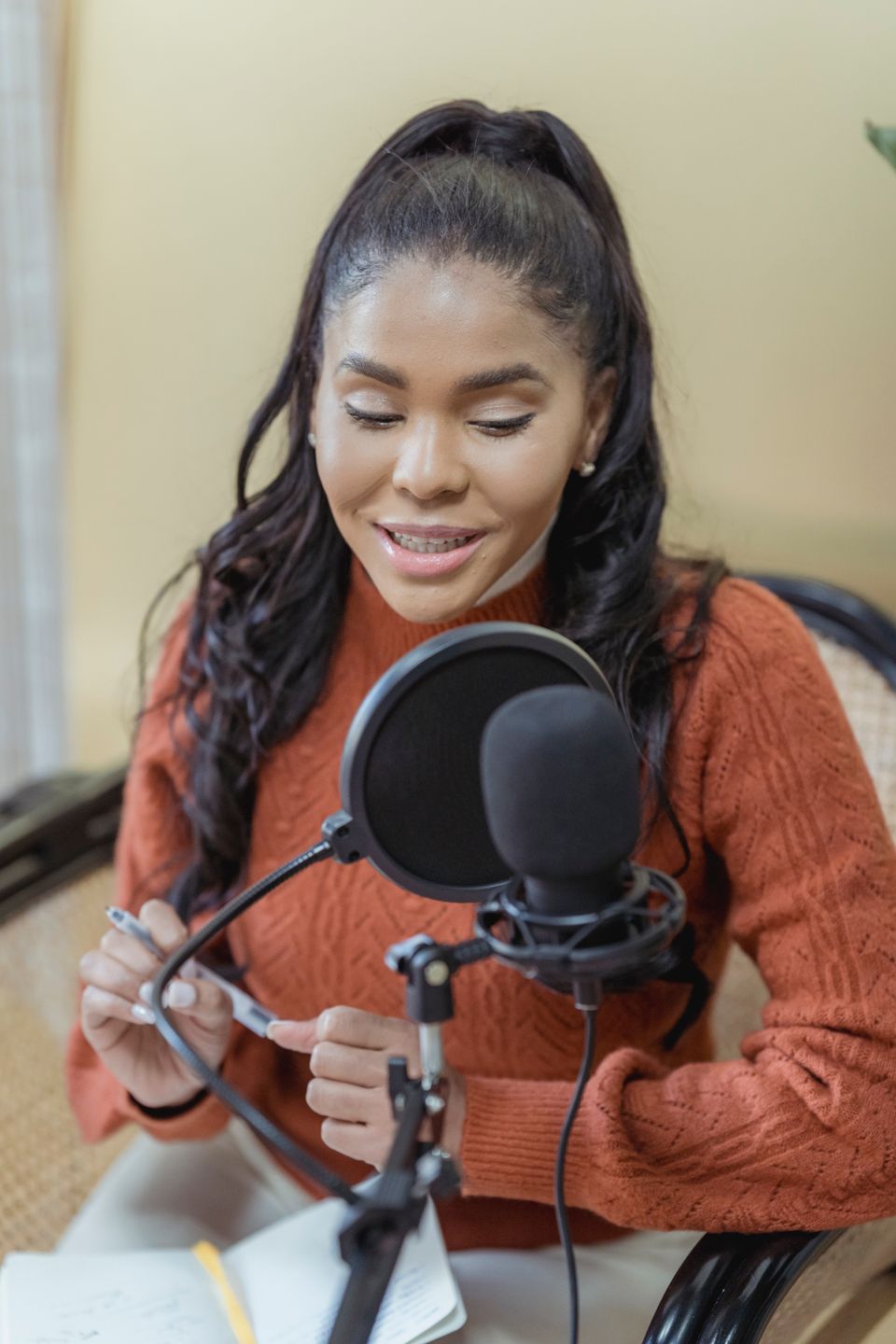
One five-minute recording. Discover three example moments.
Interactive illustration. No video is uploaded or processed.
Export formats
Preview your recording in landscape, portrait, or square. Keep the subject in view and captions inside the safe area.
Create more.
Edit less.
16:9 — YouTube
Illustrative crop preview. Dashed guides show the caption safe area.
Publish everywhere
Create clips for the platforms you already use. Explore a platform below.
Links open Kliption on each platform. Nothing is published from this demo.
Use cases
Turn full episodes into multiple short clips.
Ship captions and social cutdowns faster.
Repurpose webinars into campaign assets.
Produce client-ready clips from one recording.
Brand kit
Save logo, colors, typography, and caption styles once — then reuse them across projects.
Brand kit
Typography · Satoshi
Caption preset · Bold vermilion
Your identity,
on every clip.
Pricing
Free to try. Paid plans from $4.99/month. Save with annual billing. Free exports include a watermark; paid plans export without one.
Compare every allowance and choose a plan →
Try captions and clips once—no recurring monthly credits.
$0.00
For consistent captioned content.
$4.99 /mo
For regular repurposing
For regular content repurposing.
$9.99 /mo
For high-volume production workflows.
$19.99 /mo
Need help evaluating your workload?
Contact
FAQ
Kliption transcribes English and many other languages at real quality, including Nepali, Hindi, Spanish, French, German, Japanese, Korean, and Chinese. Review names, overlapping speech, and mixed-language recordings before export.
Choose the lowest-priced plan that meets your duration, clip, export, storage, and feature requirements. Free is a one-time evaluation. Starter serves modest recurring work; Creator adds more capacity and Brand Kit; Pro adds capacity and 4K exports. Compare the full allowances on the Pricing page.
Kliption is an AI video workspace that turns one long recording into a timestamped transcript, editable captions, and short clips for TikTok, Reels, Shorts, YouTube, and LinkedIn.
It's Kliption, with a K: "clip" + "caption." It's often searched as Cliption, Cliption AI, Clipton, Kiption, or Keption. The official site is kliption.com.
Yes, you can try it. Free is a one-time evaluation of captions and a first clip pass: upload a long video, and Kliption drafts captions and suggests clips for you to review and export. Hosted files on Free are kept for 7 days. Paid plans add more minutes and exports and keep hosted files while you stay subscribed.
Yes. Kliption transcribes the speech in your recording, writes the captions, and ranks possible short clips with Auto Clips. You stay in control: edit any caption's text and timing, then select and trim the clips you want to export.
Podcasters, YouTubers, marketers, and agencies who record long-form video and need captions and short clips without editing every cut by hand.
Upload MP4, MOV, or WebM, subject to your remaining storage and processing allowance. Transcription also accepts audio. The upload interface allows up to 5 GB; codec compatibility matters. Export MP4 or MOV video, or SRT and VTT subtitles.
Kliption drafts a transcript from the speech in your file. You review names, timing, and style before anything is exported.
Yes. Every caption line is editable — text and timing — and Auto Clips ranks candidates so you select, trim, and export only what you want.
Upload an MP4, MOV, or WebM video, or an audio file for transcription only. Kliption creates a timestamped transcript and editable captions. Export MP4 or MOV video with captions burned in, or download SRT or VTT subtitle files.
Auto Clips scores candidate moments from your full transcript and ranks them. Each pick is a suggestion: you review, trim, and choose which clips to export.
Yes. Every upload produces a timestamped transcript and editable captions. Burn the captions into your exported video, or export them separately as SRT for editors and social platforms or VTT for web players.
Upload your video to Auto Captions, correct the generated captions, and pick a 9:16 canvas. Keep cues short and away from the edges where app buttons sit, then export the captioned video and upload it to Instagram or YouTube. The captions are part of the picture, so they show on every phone without viewers turning them on.
A VTT (WebVTT) file is a plain-text subtitle file for web video players. It starts with WEBVTT and lists each caption with a start and end time, using a dot before milliseconds (00:00:01.500). SRT is similar but uses a comma (00:00:01,500). Kliption exports both.
Yes, on any paid plan: paste the YouTube link to import the video for captions and clips. Some videos can't be imported, such as private, members-only, or age-restricted ones. Kliption then shows a help code (for example YT-105) that explains why, and you can upload the file instead.
Yes. Upload the webinar recording to get a transcript and captions, then use Auto Clips to find strong moments. Trim each clip so it keeps the full point, reframe it for the platform, and export it with captions.
Use SRT for the widest compatibility with editors and social platforms. Use VTT for web video players. YouTube accepts both.
Yes. Free is for trying captions and a first clip pass. Hosted files on Free are stored for 7 days, then deleted (we warn you 3 days before). Paid plans keep hosted files while you stay subscribed and include more minutes and exports.
Yes. Cancel at period end from Settings → Plan. You keep paid access until the renewal date. Files you already exported stay yours. After you return to Free, hosted files on our servers are deleted after 7 days. Refunds are requested via Help and reviewed by support.
Yes. Apply from Settings → Affiliate. Approved affiliates earn 15% commission on referred paid plans; buyers get 15% off. Minute-based friend referrals stay under Settings → Referrals.
Upload your first video and start creating captions, transcripts, and clips.
